Questions, answered
Before you dive in.
Does Antartica need an internet connection?
No. It doesn't even have permission to use one. Everything, from the preview to the full-resolution export, runs on your device, and it works the same in airplane mode.
Which devices does it run on?
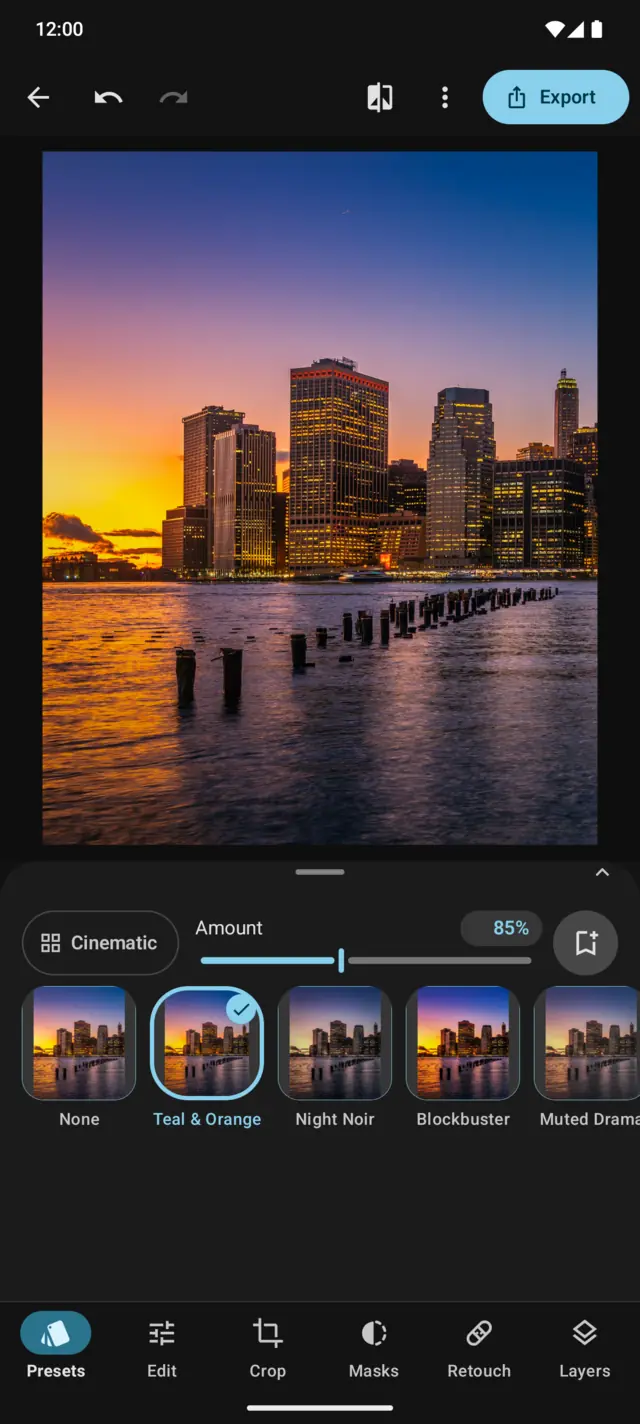
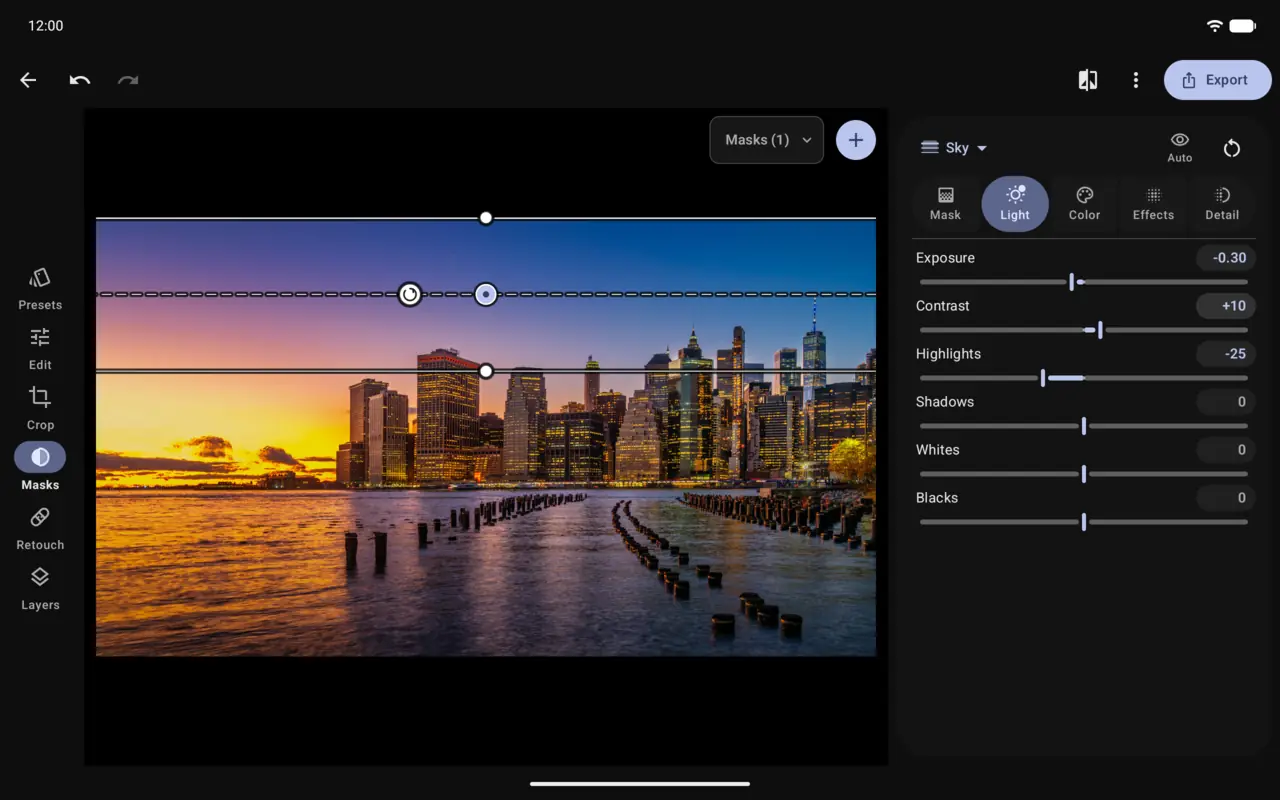
Any phone, tablet or foldable with Android 13 or newer. The editor is built on GPU shaders that arrived in Android 13, which is why older versions aren't supported.
Which files can I edit?
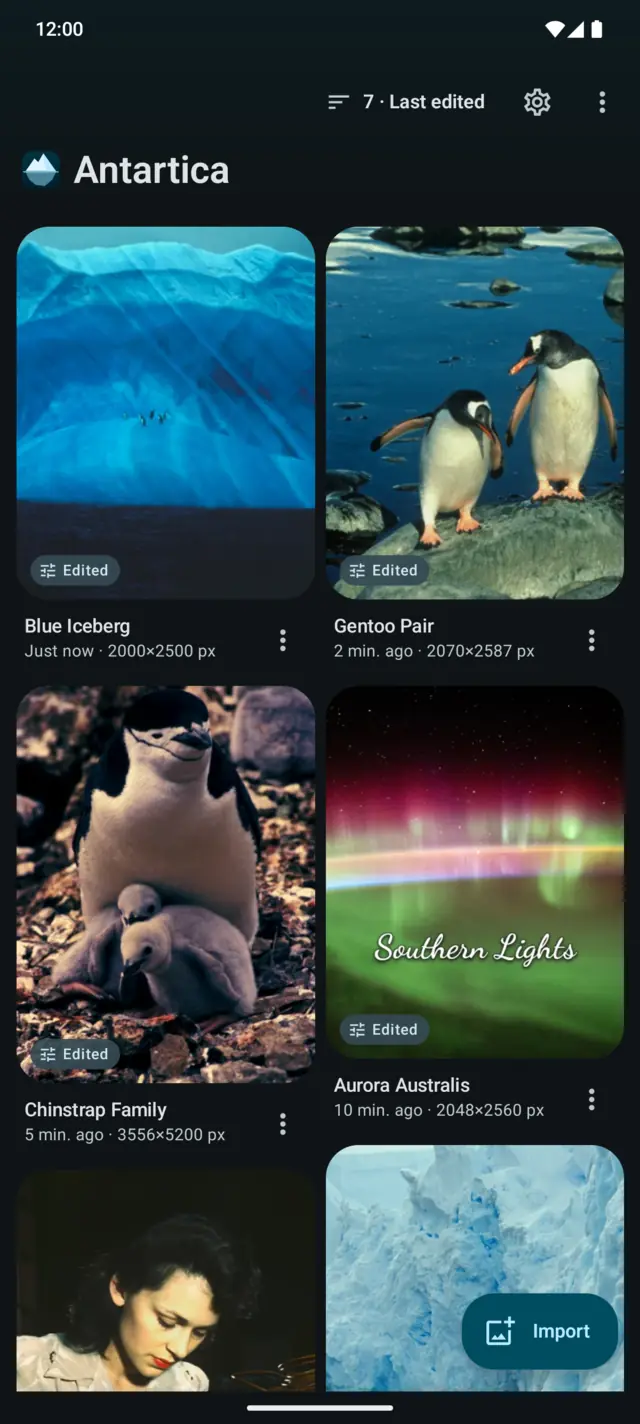
Whatever your phone can decode: JPEG, PNG, WebP, HEIC/HEIF, AVIF, GIF and BMP. RAW (DNG) files aren't supported yet. You can export to JPEG, PNG or WebP.
Where do my photos and edits go?
Projects, originals and presets stay in the app's private storage and aren't included in device backups. Only the images you export are saved to Pictures/Antartica, with GPS location removed by default.
Will editing change my original photo?
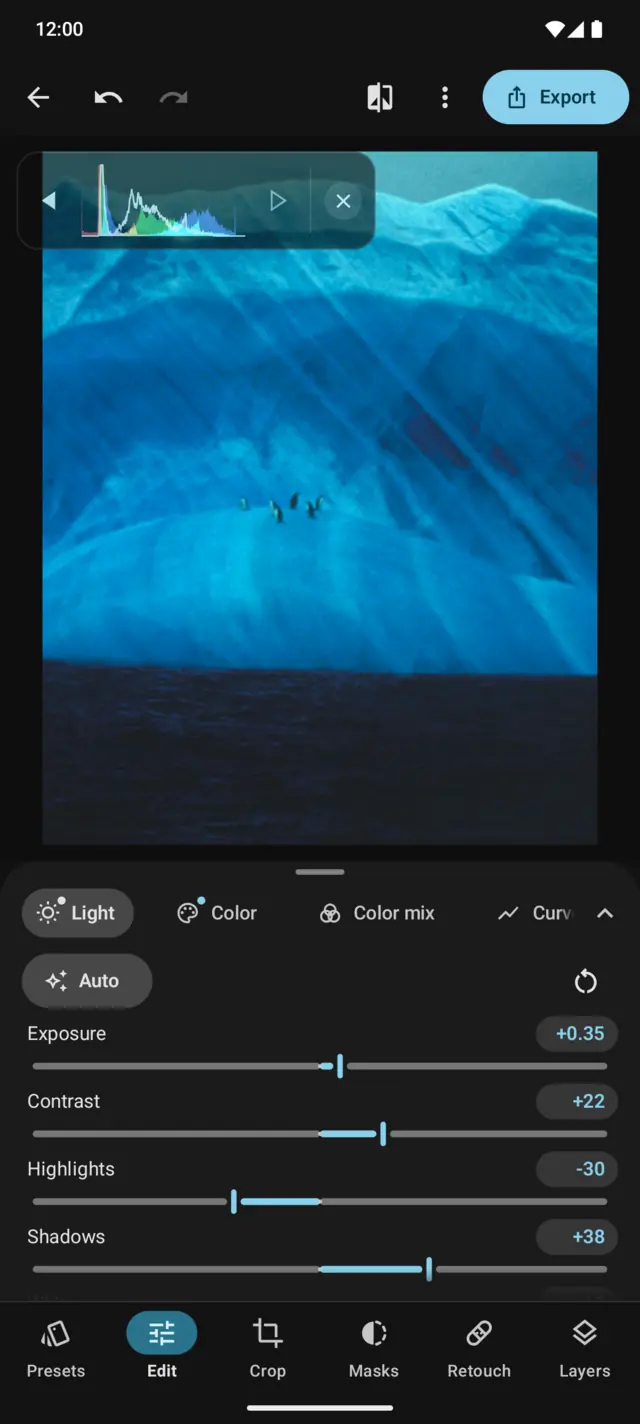
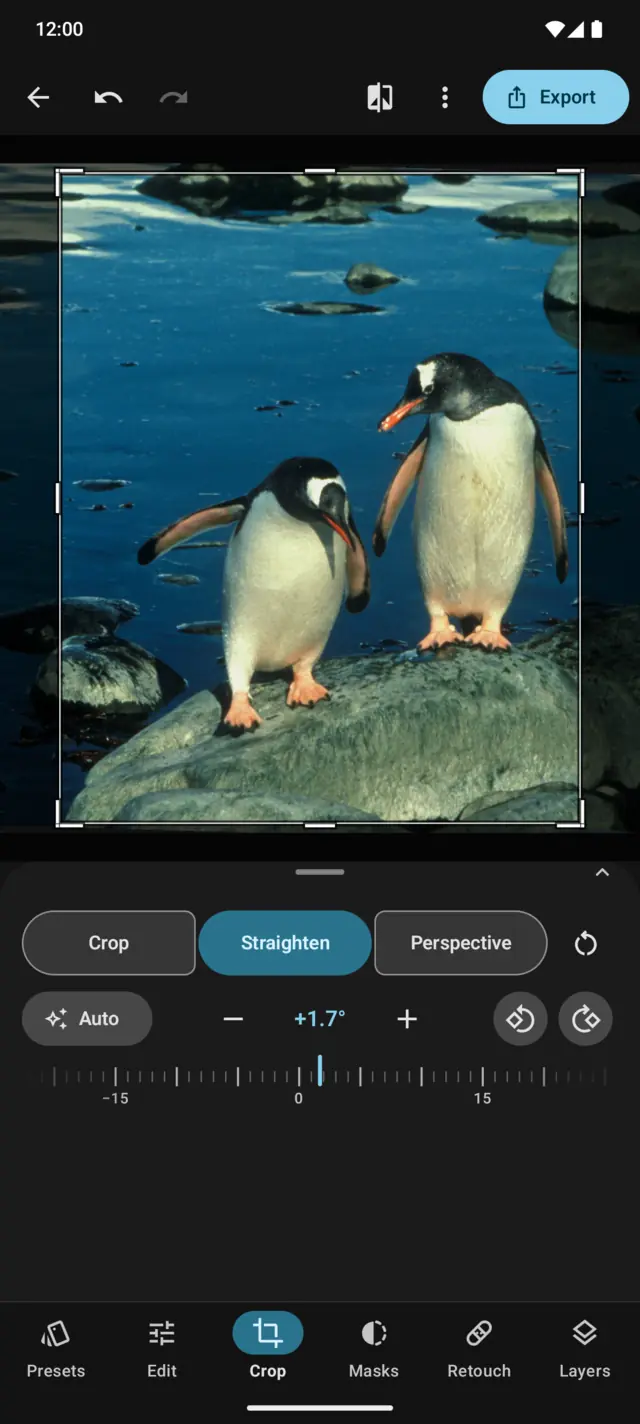
Never. Antartica works on its own copy and keeps every edit as a set of instructions. You can reset one panel, reset everything, or go back to how the photo looked when you opened it.
Which languages does it speak?
English, for now.
 Antartica by Eyed™ · for Android